Start narrow when comparing CSV
Use row order when you are checking two quick exports from the same source. Move to key columns when row order is unstable or when the same records can move around between runs.
Use Diff Raven to compare CSV, JSON, YAML, XML, JSONL, TOML, INI, .env, .properties, text, and Markdown with side-by-side diffs and readable change review instead of a raw diff dump.
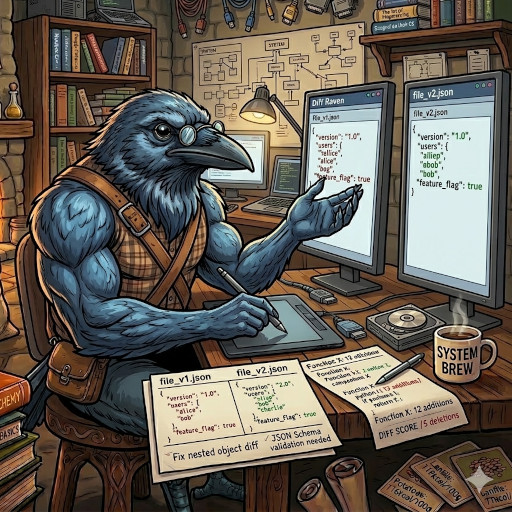
Paste or upload two JSON documents and Diff Raven will compare nested objects and arrays by path.
Paste or upload two JSON documents to compare configs, API responses, or structured exports.
Use row order when you are checking two quick exports from the same source. Move to key columns when row order is unstable or when the same records can move around between runs.
For CSV, choose keys like id, sku, or email instead of names or labels. Stable identifiers reduce false diffs and make changed-row output trustworthy.
JSON, YAML, TOML arrays, JSONL entries, and normalized XML child lists compare by index in Diff Raven v1. If an upstream system reordered a list, the report will treat those positions as changed elements.
Text and Markdown compare line by line with the same side-by-side layout and highlight colors. That is usually better for release notes, READMEs, prompts, and draft documents than forcing them into a structured parser.
Diff Raven supports CSV, JSON, YAML, XML, JSONL or NDJSON, TOML, INI, .env, .properties, text, and Markdown. Structured formats use side-by-side value diffs, while text formats use side-by-side line diffs.
No. It explains the differences between two inputs. It does not rewrite, merge, or mutate the original data.
Yes. Each side accepts either pasted text or a local file upload. If you provide both on one side, Diff Raven uses the pasted text so you can quickly edit before running the comparison.
Diff Raven stops and shows the parser error for the selected format instead of guessing. For CSV it expects a header row, for structured formats it normalizes parsed data into a side-by-side diff, and for text formats it compares lines directly.